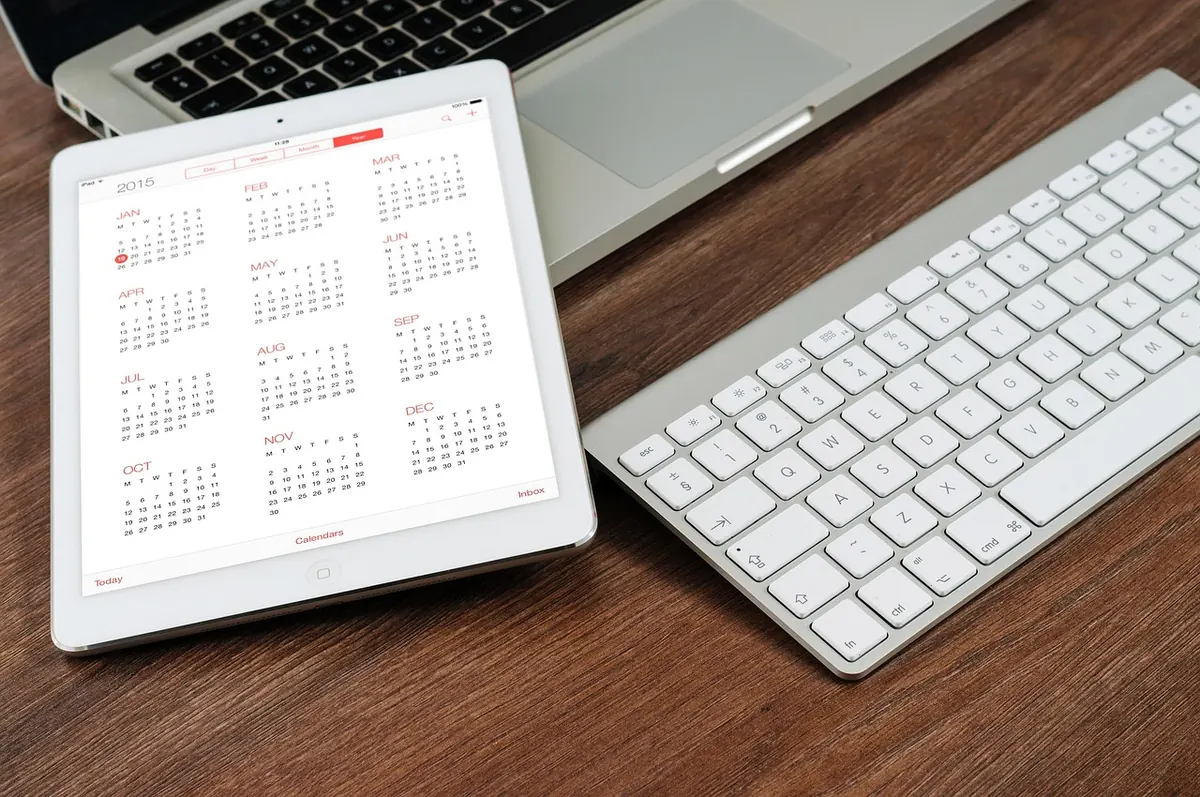
Most freelancers have started three planning systems this year. A paper planner bought on a hopeful Sunday afternoon. A calendar app that got synced, colour-coded, and then quietly abandoned. A notes file that turned into a graveyard of half-finished lists. The problem is not discipline. It is that nobody else sets the rhythm of your week. There is no office stand-up at nine, no colleague reminding you that the March invoice still has not gone out, no manager asking how the draft is coming along. Your system has to do that work, and it has to hold up on the Tuesday afternoon when your best client drops a rush project into your inbox.
Before comparing features, be honest about how you usually fall apart. Freelancers tend to fail in one of three ways: they forget things, they overcommit, or they get pulled off course by small distractions. Paper and digital tools solve different failures.
Pick the tool that patches your weakest spot. A beautiful leather planner will not save you if your real problem is forgetting a client call at 8am.
If your schedule changes weekly, a digital calendar is doing the heavy lifting. A client in Berlin moves a call from 3pm to 8am your time; you drag the block and the timezone sorts itself out. A project extends by four days, and every downstream deadline shifts with it. Recurring invoices, retainer check-ins, and quarterly tax reminders can be set once and forgotten.
Paper is less forgiving here. Crossing out and rewriting a busy week gets messy fast, and a paper page cannot be shared with a collaborator or an accountant. If you work with two or three regular clients and your weeks shift constantly, that friction will wear you down by Thursday.
That said, paper has one flexibility advantage digital tools rarely match: you can restructure your entire day in ten seconds with a pen. No menus, no dragging, no accidentally moving the wrong event. For some people that tactile speed matters more than syncing.
Writing a task by hand is slower than typing it, and that slowness is the point. You have to decide what the task actually is before you write it down. "Website stuff" becomes "write the About page draft, 400 words." Vague items get filtered out because they feel wrong on the page.
Paper also gives you spatial memory. You remember that the supplier email was near the bottom of the left-hand page, under the sketch of your week. Digital lists are searchable but flat; everything looks the same, so nothing stands out. Search wins when you need to find a fact. Spatial layout tends to win when you need to remember an intention.
Try this for one week. Keep your appointments in a digital calendar and write your daily tasks on a single sheet of paper. At the end of each day, note down what you actually finished. Most freelancers find the paper list gets more done, while the calendar keeps them from missing things. That combination is not a compromise; it is the practical answer.
A paper planner cannot interrupt you. A calendar app lives on the same device as your email, your client messages, and every other thing that wants your attention. Opening it to check your afternoon means passing three notifications on the way.
If your planning tool shares a screen with your inbox, you are not planning. You are browsing with a to-do list nearby.
You can reduce this without going fully analogue. Put the calendar app on the first home screen and hide everything else in a folder. Turn off badges for messaging apps during focused blocks. Or keep your day plan on paper and use the phone only for time-based appointments, checking it at set points rather than continuously.
Any system feels wrong for the first two weeks, mostly because you are still learning it. Commit to one setup for six weeks and judge it on results, not on how it looked in the shop. Did you miss fewer client deadlines? Did you finish more of what you planned? Did you stop dreading Sunday evenings?
If the answer is mostly yes, keep it and stop shopping. If paper keeps getting left at home, move the appointments digital. If the calendar app keeps swallowing your afternoons, keep the phone in another room while you work from a written list. The best planning system for a freelancer is not the most elegant one. It is the one you still use in a messy, overbooked week, when nobody is watching and the work still has to go out.
Photo: Firmbee / Pixabay

A first neighborhood newsletter usually fails on tone, sourcing, or distribution, not on effort. Here's how to avoid...

Thrifting for home decor works when you shop with a plan: know what your room needs, spot solid construction, set a...

A practical guide to screens, sound, snacks, seating, and weather backups for an easy fall movie night in your backyard.


Bobby's take on news, life, and more..
